
Unpixelate text
Unpixelate Text — Make Blurry Screenshots Readable
AI estimates the letter edges that pixelation and compression destroyed, so chat history, code and scanned text read comfortably again.
Drop your screenshot here
or click to choose a file
JPG · PNG · WEBP · up to 10 MB — only upload images you own or have the right to use.
Sign in to process your image
Your free credit is attached to your account. No credit card required.
You are out of credits
Choose a plan or a credit pack to keep processing. Failed jobs do not use credits.
Example
What a blurry screenshot looks like to the tool
This chat screenshot was downscaled to a 212×283 source and scaled back up — the blocks you get when a screenshot is resized or re-compressed too many times.
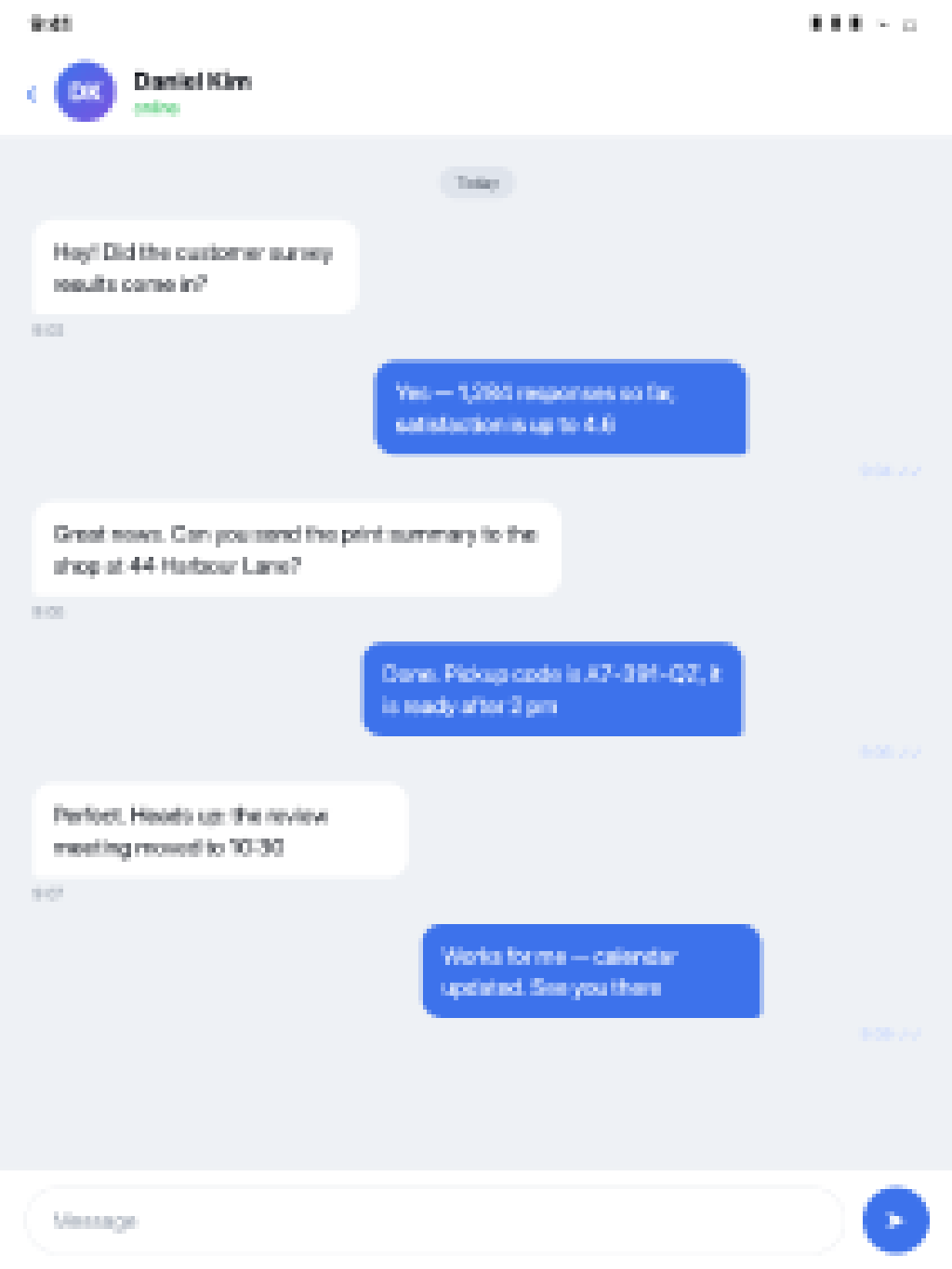 BeforeAfter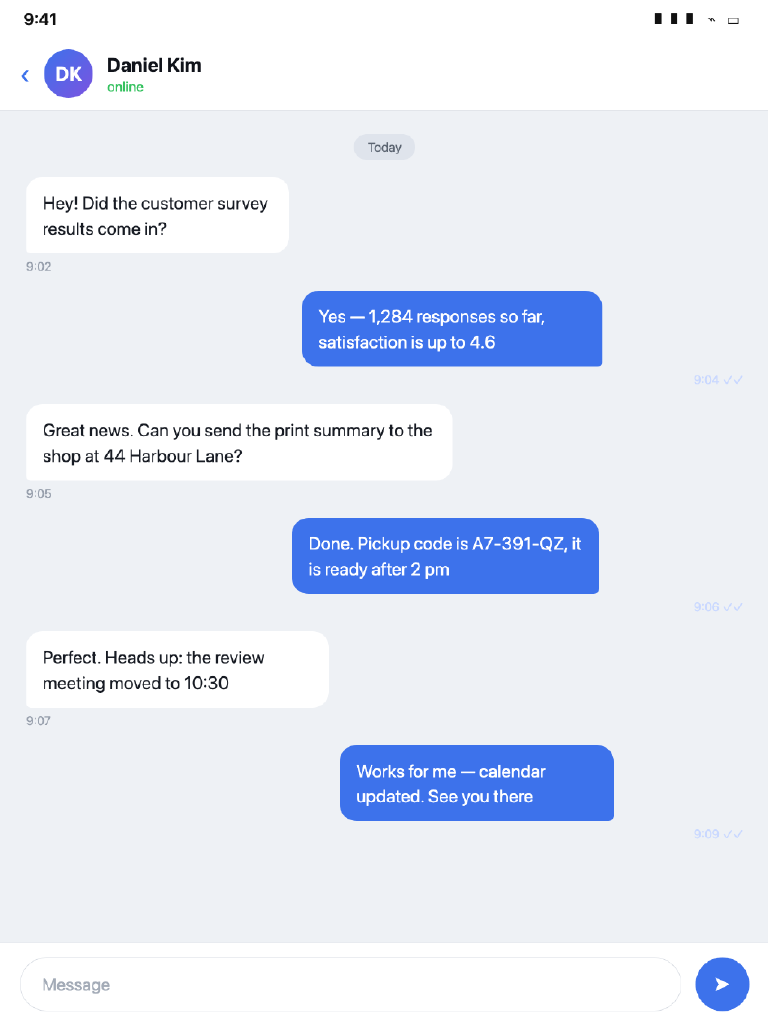
How it works
How to unpixelate text
Upload your screenshot
Sign in with Google and drop a JPG, PNG or WEBP up to 10 MB. Your free credits are attached to your account — no credit card required.
The AI rebuilds the strokes
The model estimates letter edges where pixelation and softness blurred them, instead of only raising contrast.
Compare and download
Drag the before/after slider; if the text reads the way you need, download the result. Quick costs 1 credit, Standard 2.
Use cases
Text people recover most often
Chat history
Bring a conversation screenshot that arrived small or compressed back into a readable size.
Code and terminals
Sharpen screen grabs of editors, stack traces and config files so the characters are tellable again.
Receipts and invoices
Make totals, order numbers and dates legible in receipts that were photographed or re-sent too many times.
Scanned documents
Read faded photocopies and low-resolution scans of forms, letters and printed pages.
Signs and menus
Recover street names, shop signs and menu items from photos that came out soft or heavily zoomed.
Subtitles and memes
Sharpen caption text that fell apart after a screenshot was re-compressed and re-sent across apps.
What to expect
What the AI can recover — and what it cannot
Works well
Text that is still in the image but degraded: screenshots shrunk by messaging apps, re-compressed scans, slightly out-of-focus photos of printed pages. The shapes are there; the model estimates their sharp edges.
Out of reach
Words that were blacked out, painted over or covered before the image degraded. Once the strokes themselves are gone, any reconstruction would be invention, not recovery.
Every result carries the same disclaimer: output is a plausible estimate, not a factual restore. For the methods and limits in depth, read how to unblur text in an image or how to unpixelate a screenshot.
FAQ
Unpixelate text — frequently asked questions
What does unpixelating text actually do?
The model estimates the letter edges and strokes where blocks or softness blurred them, and renders a sharper reading of the same text. It is an estimate: degraded wording usually comes back readable, but it is not a pixel-for-pixel restore of the original screenshot.
Can it recover text that was covered up on purpose?
No. unpixelate.net does not remove censorship, redaction or mosaic blur that was applied to hide content in the first place. If the strokes are gone from the image, there is nothing to sharpen — the tool works on text that is still present but degraded.
Which screenshots work best?
Straight-on captures of UI text — chat apps, code editors, forms, menus — that were downscaled or recompressed. The more you can still read at 200% zoom, the better the estimate. Fully blacked-out or painted-over words cannot come back.
How much does it cost?
Sign-up includes free credits, and no credit card is required. Quick output costs 1 credit per image, Standard 2 — failed jobs are refunded automatically.
Is my screenshot kept private?
Uploads go to our AI provider for processing and are kept for at most 14 days, then deleted automatically. See the Privacy Policy for the details.
Does it work on handwriting?
Sometimes. Neat handwriting in a clear scan behaves like printed text; cursive, low light or camera shake limits the estimate. Try Standard mode with the Enhance details toggle on.
More questions? See the frequently asked questions page.
More pixel tools
Hide text as well as read it
Pixelate image
Sharing a screenshot of your own? Cover names, codes and plates with an in-browser mosaic — free, and the image never leaves your device.
Unpixelate image (AI)
For full photos that turned blocky — faces, textures, scenery — the AI tool estimates detail across the whole image, not only the text.
Got an unreadable screenshot?
Start free — 2 credits on sign-up, no credit card required.
Unblur text now