
How it works
How the unpixelate tool works
Three steps, no editing skills, and a free credit to try it. Here is exactly what happens to your file, and what the AI can and cannot do to it.
What “unpixelating” an image means
Pixelation happens when an image is enlarged beyond the detail it actually holds, or compressed so aggressively that the encoder throws detail away. What is left is a grid of visible square blocks — sometimes a full mosaic pattern.
Unpixelating means asking a model to estimate what the missing detail most likely looked like, using the structure that is still visible around the blocks. It is a reconstruction, not a recovery. The information that was thrown away is genuinely gone, and no tool can bring it back.
The model behind this tool is Pruna AI’s p-image-upscale, an image restoration and upscaling model served through the Replicate platform.
Step 1: Upload your image
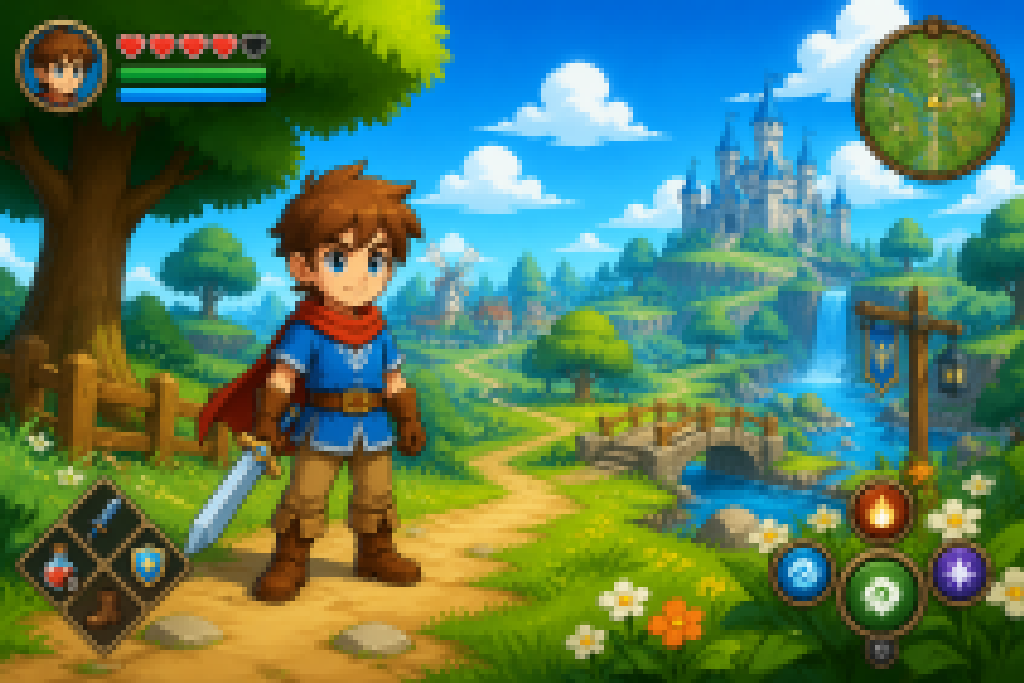
A real upload on its way in: a low-resolution screenshot, blocky and soft. Yours can look like this or better — the tool handles any JPG, PNG or WEBP up to 10 MB.
Sign in with a Google account first — that is where your free credit lives. You do not need a credit card.
Upload only images you own or have the right to use.
Step 2: Let the AI reconstruct the blocky detail
BeforeAfterDrag the divider on the real example above: the blocky half is what the model receives, the sharp half is what it returned.
The model reads the block boundaries and the surrounding texture, then estimates edges and surface detail across them. This is different from a sharpening filter, which only raises local contrast and leaves the blocks in place.
You will see the stage the job is at while it runs. Most images finish in under a minute. Failed jobs do not use credits.
Step 3: Compare and download
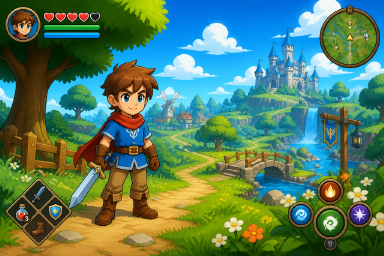
The finished result from the example above — what the download button hands you.
Compare the original against the result side by side, then download it. Quick returns a 4MP image, Standard 8MP, HD up to 24MP via Topaz, and credits are spent by output size.
Uploaded images and results are kept for a maximum of 14 days and then automatically deleted.
What AI can and cannot fix
| Can help with | Cannot do |
|---|---|
| Blocky, visibly pixelated regions | Recover information that was obscured or deleted |
| JPEG compression artifacts | De-mosaic or remove censorship or redaction |
| Low-resolution upscaling distortion | Identity, facial-recognition or forensic determinations |
| Soft, out-of-focus photos (limited) | Guarantee an accurate reconstruction |
Limits, up front
Do not use the output as evidence of what an image originally contained. The result is a plausible estimate, and it may contain detail the model invented.
Pixelated vs. blurry: pick the right fix
Pixelated images show visible square blocks or a mosaic pattern. That usually comes from upscaling, heavy compression or a low-resolution screenshot — and it is what this tool is built for.
Blurry images look soft or smeared, with no block structure. That usually comes from motion or missed focus. Results on genuinely out-of-focus photos will be more limited.
Frequently asked questions
How long does it take to unpixelate an image?
Most images finish in under a minute.
Do I need Photoshop or editing skills?
No. Upload, wait for the result, download.
What resolution can I get?
Quick returns 4MP; Standard returns 8MP with an optional free enhancement pass; HD uses the Topaz engine to reconstruct up to 24MP, included from the Pro plan.
Can I unpixelate a screenshot?
Yes, screenshots are one of the most common cases. Blocky UI elements and text edges are reconstructed as an estimate.
Is it free?
Yes. New accounts get 2 free credits valid for 7 days, and no credit card is required to start.
More questions? See the frequently asked questions page.
Want the fuller background — why images pixelate, how the fix methods compare, and how to avoid pixelation next time? Read the complete how to unpixelate an image guide.
Try it free — 2 credits on sign-up, no credit card required
unpixelate an image free